Internet
Why the venue Wi-Fi fails at 10am on opening day
Everyone's internet works at setup. Here's why it stops when the doors open.
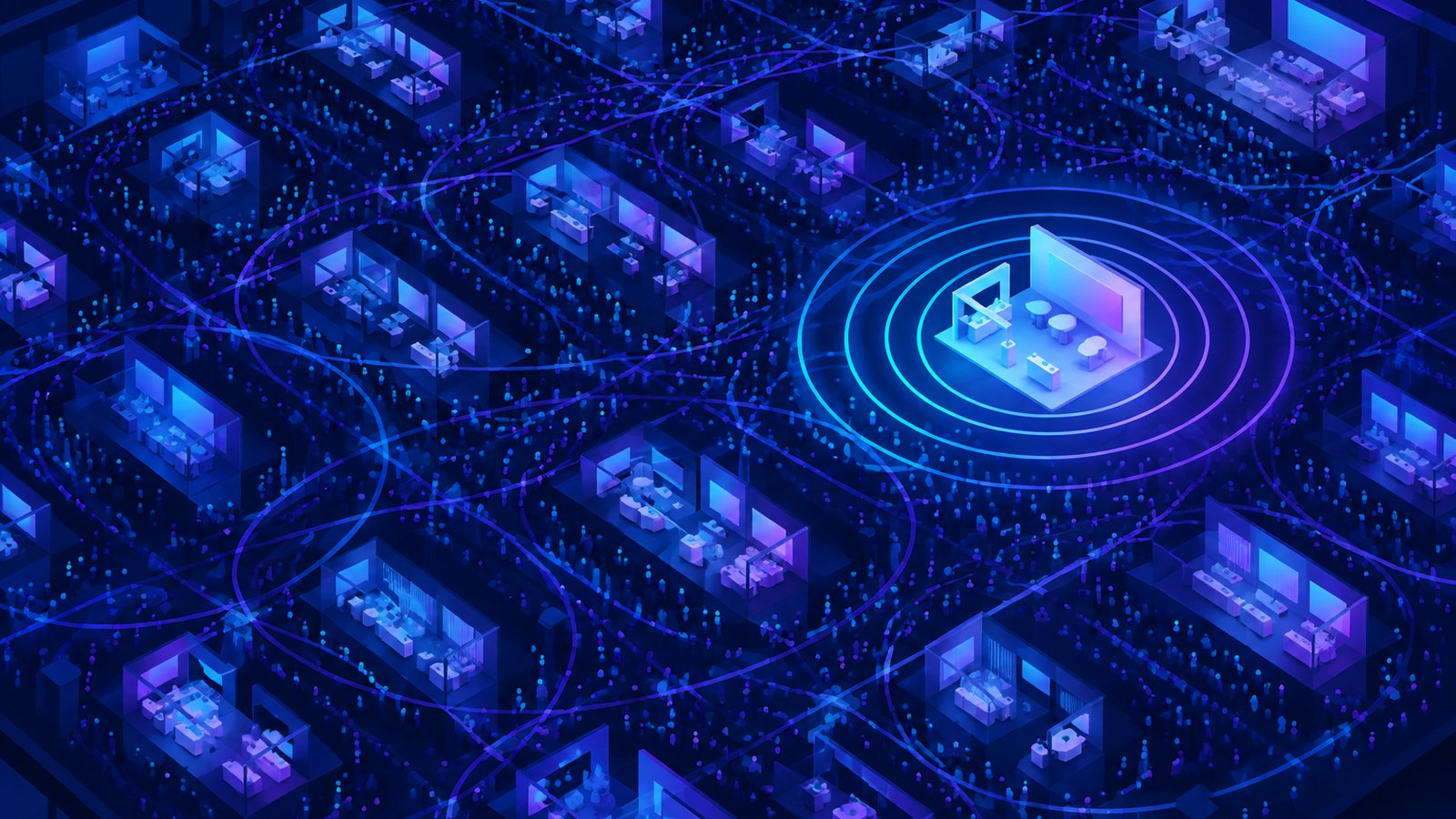
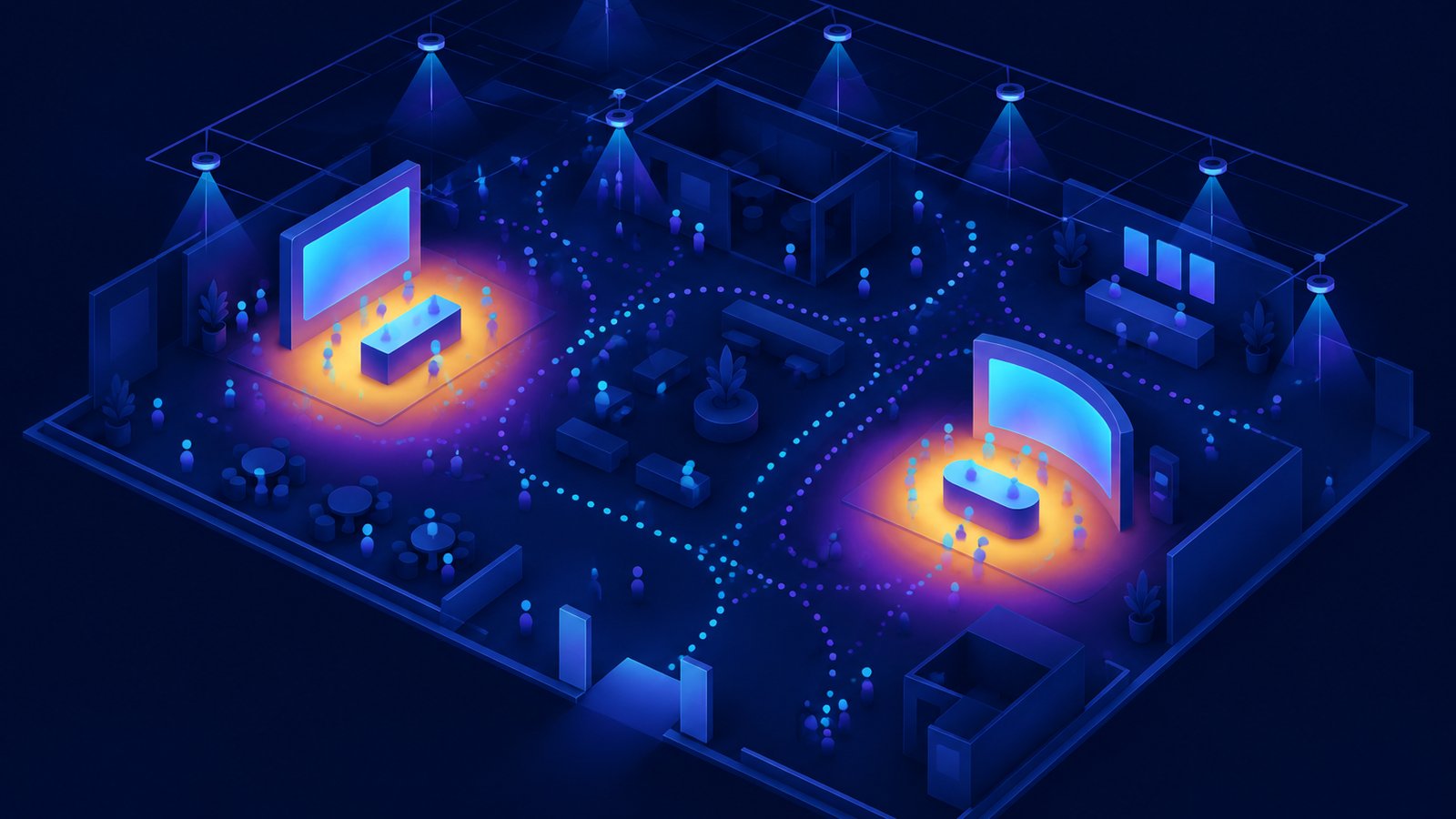
The problem. On move-in day the hall is nearly empty, and the free Wi-Fi tests fine. Then the doors open, thousands of attendees and exhibitors share the same access points, and your lead-capture app, demo video and payment terminal all slow down at once. Nothing is broken. The network is just shared, and opening hour is when everyone uses it.
Why it happens
- Shared air. Wi-Fi is one channel taken in turns. More phones nearby means each device waits longer, even with plenty of internet behind it.
- Shared pipe. Free show Wi-Fi is usually one connection split across the whole hall.
- Cellular fills up too. Attendees fall back to their phones, so the nearby cell towers get busy at the same moment.
- Interference you can't see. Hundreds of booth hotspots and wireless mics on similar frequencies talk over each other.
When you don't need your own internet. If your booth only scans badges with an app that works offline and syncs later, the show Wi-Fi may be enough. Same if you've already ordered a wired line from the venue and it covers what you run. Be honest about what's in the booth before you spend money.
When you do. Live demos, video streaming, cloud apps, card payments, remote presenters, or anything that embarrasses you in front of a customer if it stalls.
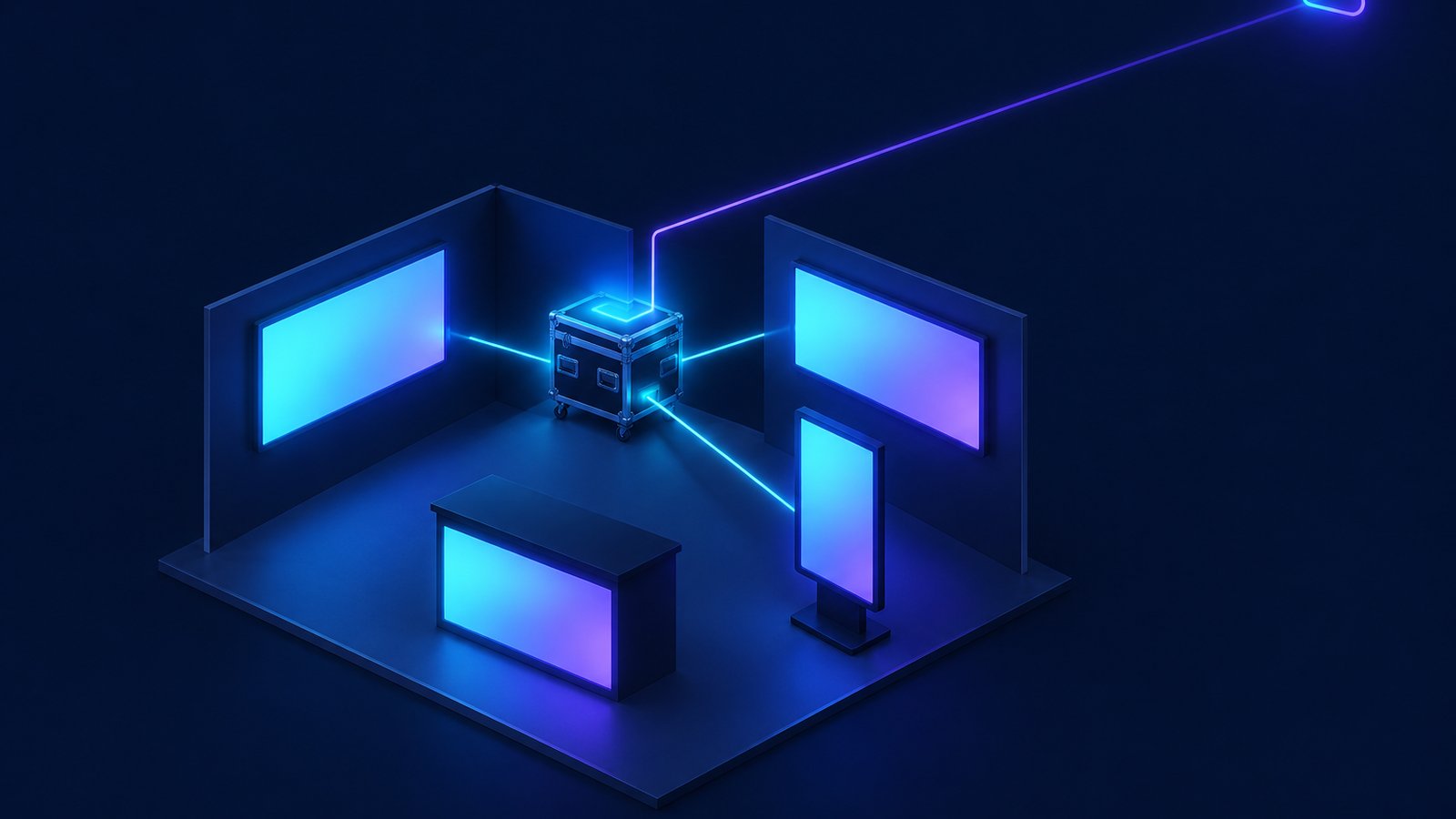
What a good setup looks like. More than one path to the internet (several carriers, a venue line or satellite) combined in one box, so one path failing doesn't take you down. A private booth Wi-Fi that only your devices join. Someone watching it remotely during show hours.
Why we never rely on one provider
At CES a few years ago, the hall's internet went down. Our clients stayed online because their service ran on outside connections we brought in, not the building's network. That's the whole idea: if your booth is mission-critical, nothing in it should depend on a single network you don't control.
So we bring every layer locally, with a backup for each:
- Local Wi-Fi — a private booth network only your devices join.
- Local hardline — wired connections for the things that can't drop.
- Local backend — the servers and services your booth depends on, on-site.
- Redundant paths out — several carriers, satellite or a venue line, combined so one failing doesn't take you down.
We're not tied to anyone. Many halls have an exclusive internet provider built into the building. We don't work for the hall or for any one carrier. We pick whatever mix works best for your booth at that venue, even when that means using the venue's own line as one of the paths.
Questions to ask before your show
- What in our booth actually needs internet, and what happens if it stops for 10 minutes?
- What does the exhibitor manual say about outside Wi-Fi and hotspots? Many venues have rules and fees.
- Is our connection one path or several?
- Who is watching it during show hours, and how fast can they fix it?
- Has anyone tested it at this venue under load, not just at setup?
What we do. BYOI kits (LINK, PRO, MAX) combine multiple connections in one case, with remote monitoring through NVS Connect.